Systems · AI image production
Content Studio Engine
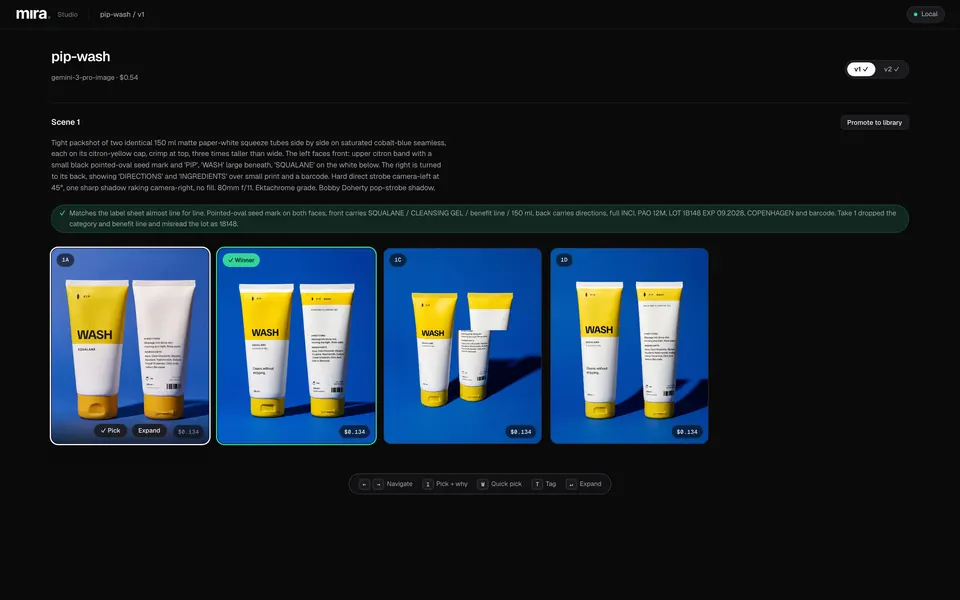
A local studio and command-line engine for directing AI product photography. A brief and photographic recipe go in; linted, priced prompts produce takes; a person picks the winners; finals are versioned with their prompts, references and costs.
At a glance
Role
Designed the workflow and the director rules. Built the CLI engine and its web studio with Claude Code and Codex. Ran the shoots and made every selection.
Tools
- TypeScript
- React
- Express
- Vitest
- Gemini 3 Pro Image
- GPT Image 2
Outcomes
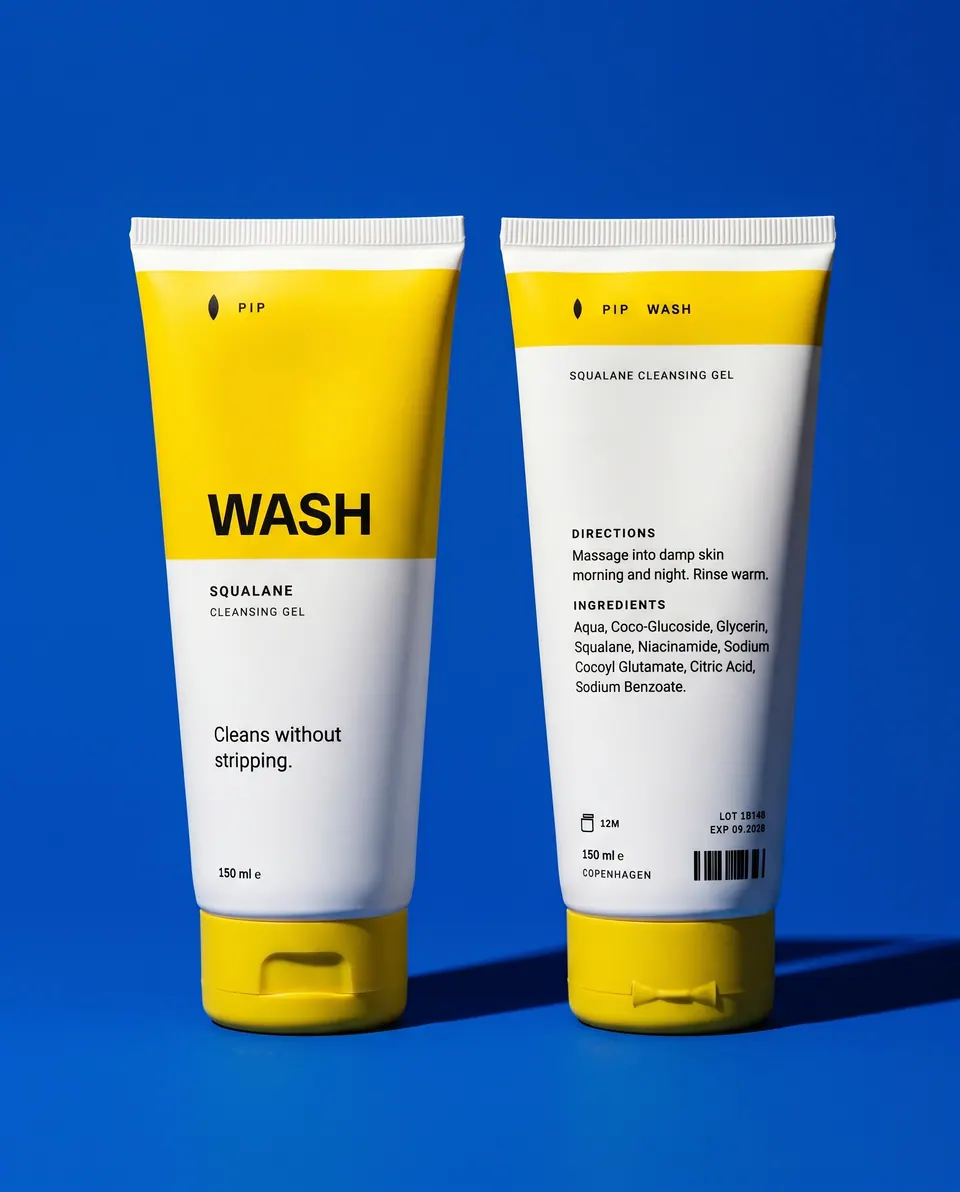
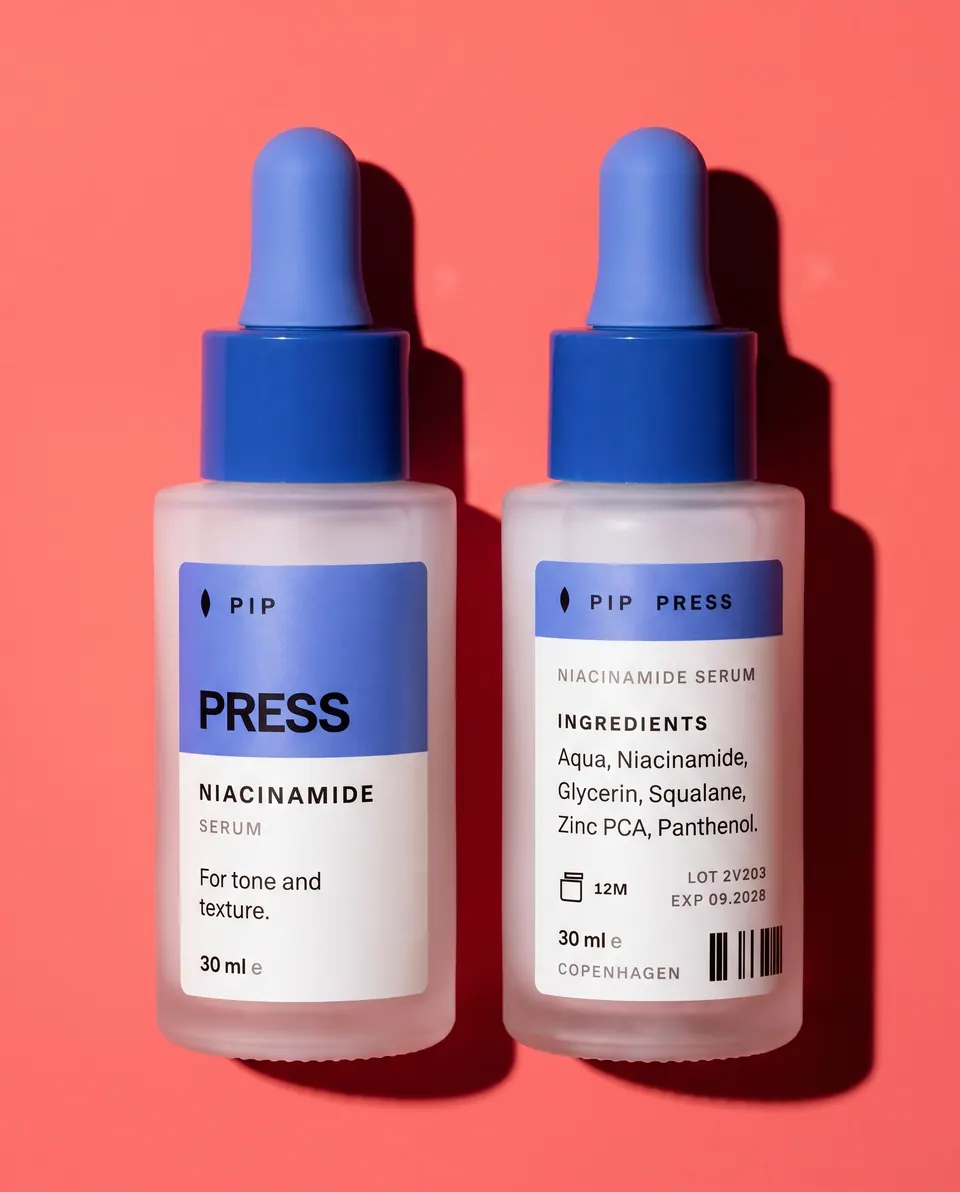
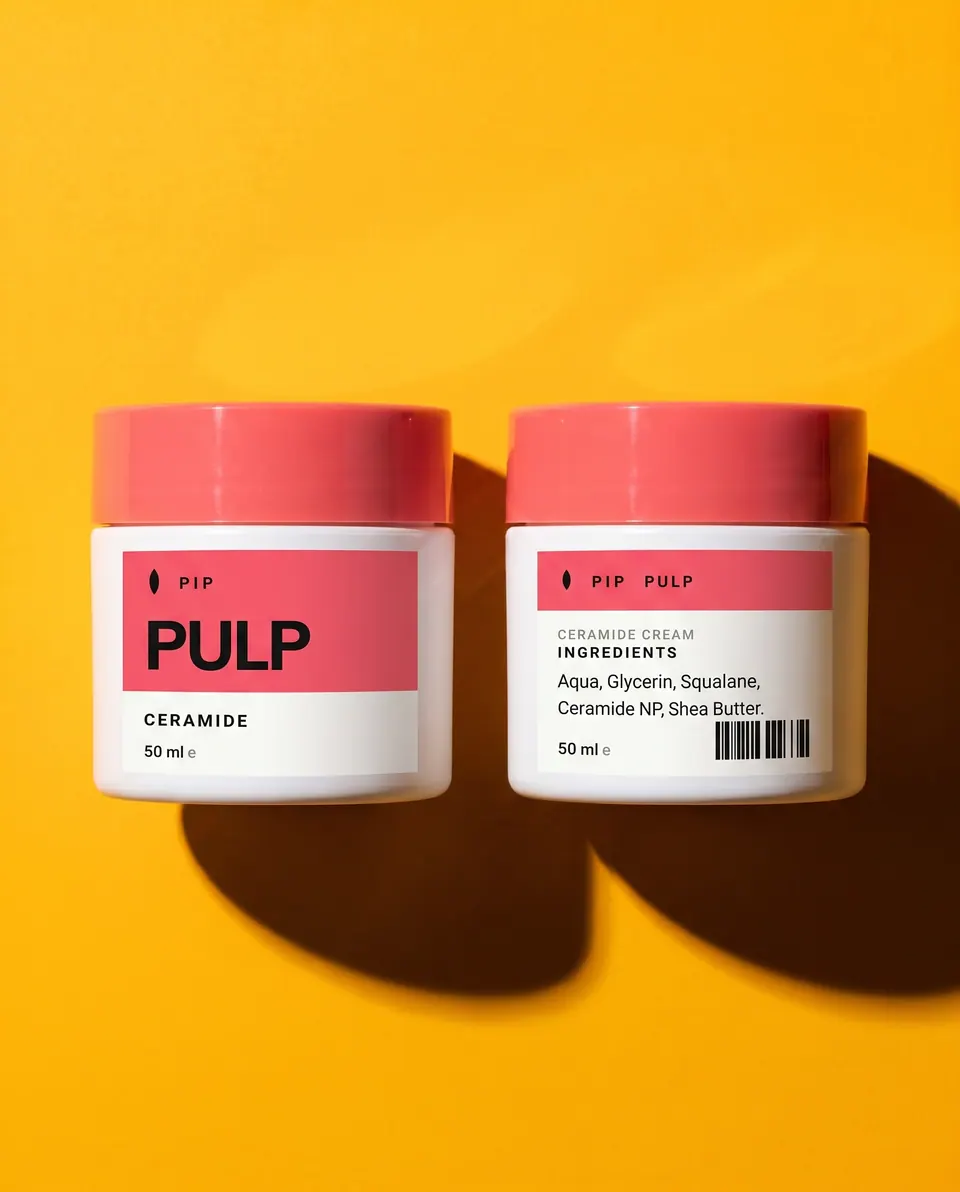
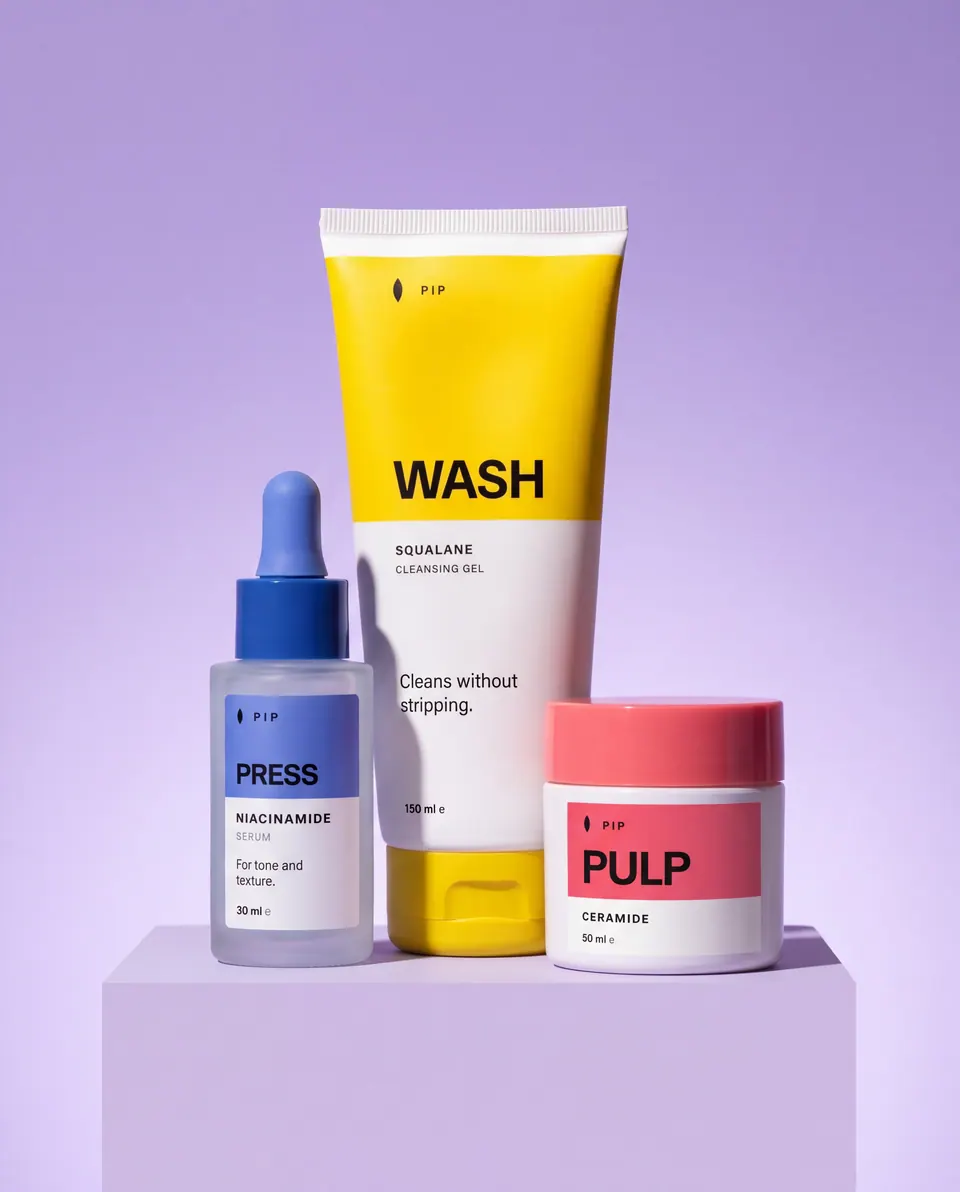
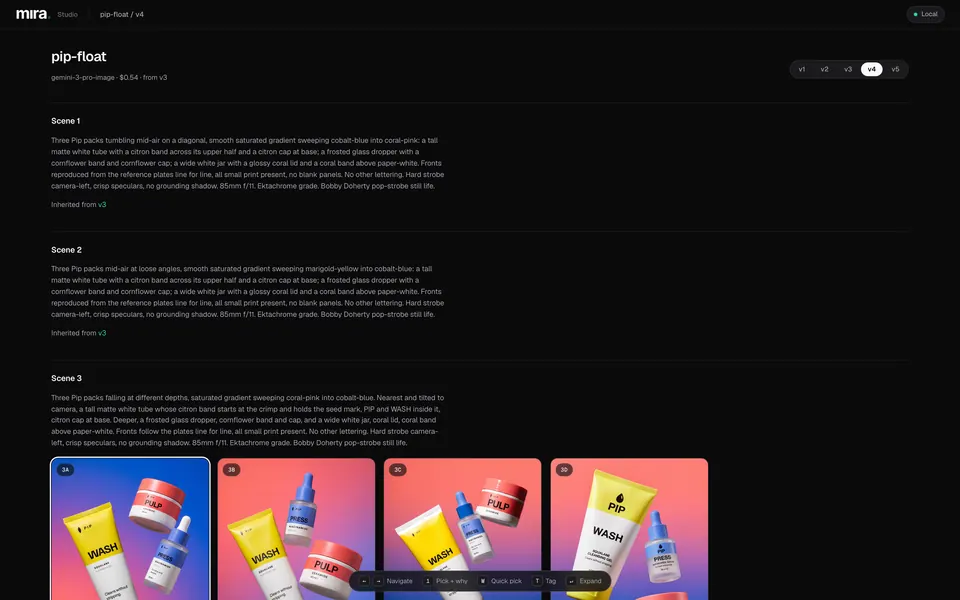
- Produced the stills for the four campaigns on this site, with every run recording its prompts, references and cost.
- A lint gate stops vague prompts before spend: a generic test prompt returned 13 errors in a dry run.
- Re-runs only pay for what changed: unselected scenes are inherited from the previous version.
The problem
AI product images fail in familiar ways: invented or soft label text, packaging that drifts from shot to shot, plastic skin and flat, directionless light. Fixing those one prompt at a time is slow and hard to repeat on the next campaign.
I wanted to direct a shoot the way a photographer would, with the rules written down once and enforced every time, and with the cost of each decision visible before it is made.
How a shoot runs
-
01
Brief and recipe
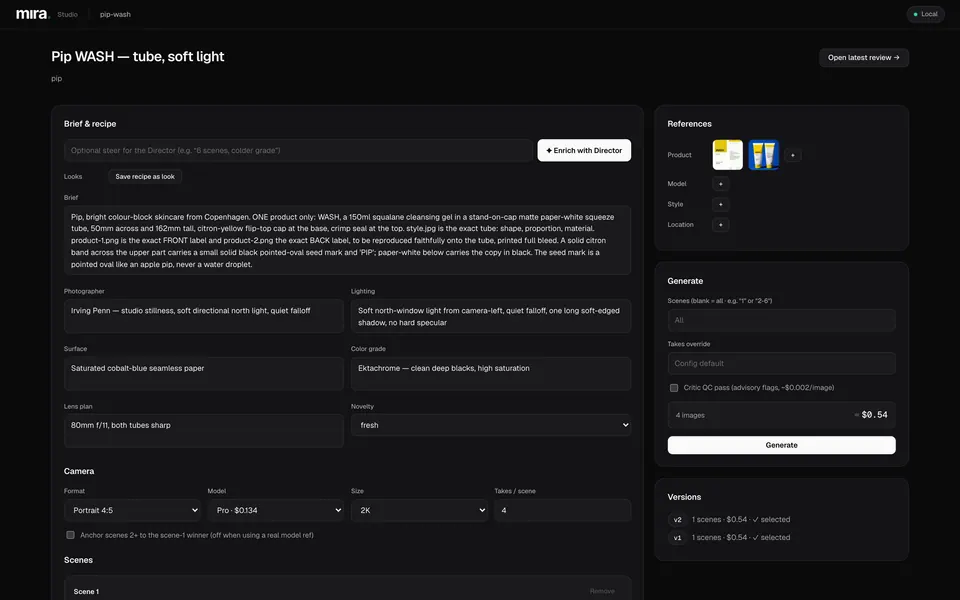
Product facts, references and a photographic recipe: photographer, light, surface, grade and lens plan.
-
02
Lint gate
Prompts without a focal length, f-stop, light direction or light quality fail, as do generic terms such as "8k" or "stunning".
Automatic check -
03
Priced dry run
The model, image count and estimated cost are shown before any request is made.
Priced -
04
Takes
Each scene generates one or more takes on the chosen model and size.
-
05
Pick the winner
A person picks a take and records why. The reason is saved to the brand's taste notes.
Human approval -
06
Anchor and inherit
The scene 1 winner can anchor later scenes. Unchanged scenes are inherited from the last version at no cost.
-
07
Versioned finals
Each version stores its prompts, references, takes, winners and costs as JSON beside the images.
Human approval Priced Automatic check
The lint gate in a dry run
Real CLI output from 15 September, run on a copy of the project folders. The first run is the Pip float campaign; the second is a deliberately generic test prompt. Dry runs make no API calls. Excerpt.
$ npm start -- --project pip-float --dry-run
ℹ Refs: product=4 model=0 style=1 location=0
ℹ [DRY RUN] Would generate 3 images on gemini-3-pro-image. Estimated cost: $0.72

$ npm start -- --project lint-demo --dry-run
✗ lint error scene 1 [no-lens]: no focal length (e.g. "85mm") — camera language is required
✗ lint error scene 1 [no-fstop]: no f-stop (e.g. "f/8") — aperture drives depth behavior
✗ lint error scene 1 [no-light-direction]: no light direction (camera-left/right, backlit, overhead, 45°…)
✗ lint error scene 1 [no-light-quality]: no light quality (soft / hard / diffused / raking…)
✗ lint error scene 1 [banned-generic]: "cinematic lighting" pulls toward the generic-AI average — name the specific setup/grade/photographer instead
✗ lint error scene 1 [banned-generic]: "8k" pulls toward the generic-AI average — name the specific setup/grade/photographer instead
[… 7 more errors and 2 warnings not shown]
ℹ [DRY RUN] 13 lint error(s) — a real run will refuse these prompts
Where the gate sits
const lintErrors = lintIssues.filter((i) => i.severity === 'error');
if (lintErrors.length > 0 && !options.skipLint && !options.dryRun) {
  throw new Error(
    `Prompt lint failed with ${lintErrors.length} error(s) — fix the prompts (see log) or pass --skip-lint`,
  );
}

if (options.dryRun) {
  const totalImages = selectedPlans.reduce((sum, p) => sum + p.takes, 0);
  const estimate = selectedPlans.reduce((sum, p) => sum + p.unitCost * p.takes, 0);
  logger.info(`[DRY RUN] Would generate ${totalImages} images on ${plans[0]?.model ?? '?'}. Estimated cost: $${estimate.toFixed(2)}`);
  return { version: 0, versionDir: '(dry-run)', scenes: [], totalCost: estimate /* … */ };
}
Lint runs on the director-written prompt before any spend. A real run stops on errors unless --skip-lint is passed on purpose; a dry run reports them and prices the run.
Model routing and prices
| Model | 1K | 2K | 4K | Used for |
|---|---|---|---|---|
| Gemini 3 Pro Image | $0.134 | $0.134 | $0.24 | Finals and most campaign work |
| Gemini 3.1 Flash Image | $0.067 | $0.101 | $0.151 | Cheaper drafts |
| Gemini 3.1 Flash Lite Image | $0.034 | Cheapest drafts |
Per-image prices as recorded in src/lib/cost.ts, checked against Google's published pricing on 4 July 2026. Run files store the estimate for every image; invoices are separate.
Where a person decides
Before spend
The estimate is on screen before Generate is pressed, and a CLI dry run lists lint issues before any request.
Winner selection
Every winner is picked by a person with a written reason, which feeds the brand's taste notes for later briefs.
Brand library
Only takes a person tags are promoted into the brand library, which later runs draw on as references.
How it's built and tested
- Tests
- 145 passing (Vitest, strict TypeScript): versioning, inheritance, caching, selection, lint rules and the local API. The CLI engine that made the campaign finals has 71 more.
- Stack
- TypeScript on Node 22, Express with server-sent events for live runs, React and Vite, @google/genai. Prompt enrichment speaks any OpenAI-compatible API.
- Storage
- No database. Each run is a folder of images with run.json and winners.json; a content-hash cache avoids paying twice for identical inputs.
- Local by design
- The studio server binds to 127.0.0.1 by default, so API keys and reference images stay on the machine.
Made with it